The user guide
A comprehensive guide to assist you at every step of your rental and ensure a simple, independent, and worry-free experience.
Pickup of the mountain bikes
Access the bikes at the starting point indicated in the reservation.
Use the security code sent by email to unlock the key box.
Complete the check-in procedure before departure: check the overall condition of the mountain bike, the battery level, the brakes, the tires, and the provided accessories.
Using the mountain bike
Power on the mountain bike using the designated control.
Choose the level of assistance suitable for the terrain and your effort.
Manage the battery life by favoring low assistance modes on flat terrain.
Adopt good practices: stay on authorized paths, anticipate braking, respect other users, and avoid unnecessary collisions.
During the rental
For each reservation, a repair kit is provided. It includes a spare inner tube, tire levers, a mini pump, and a multitool. This equipment allows you to handle minor incidents that may occur during your outing.
In case of a significant mechanical problem or accident, we encourage you to contact us as soon as possible so that we can advise you and help you find the best solution.
In case of a breakdown, secure the bike, avoid continuing the outing if the problem could worsen the damage, and then contact assistance for instructions.
Return of the mountain bikes
Complete the check-out procedure at the end of the rental.
Take the requested photos to confirm the condition of the mountain bike upon return.
Return the keys to the designated box.
Properly close the locks and check that the mountain bikes are secured before leaving the premises. Cleaning of the mountain bikes is included in the rental.
Access to the guide
From the website.
From the email sent on the day of your departure.
To turn on the bike, press the button above the screen and hold it until the screen lights up.
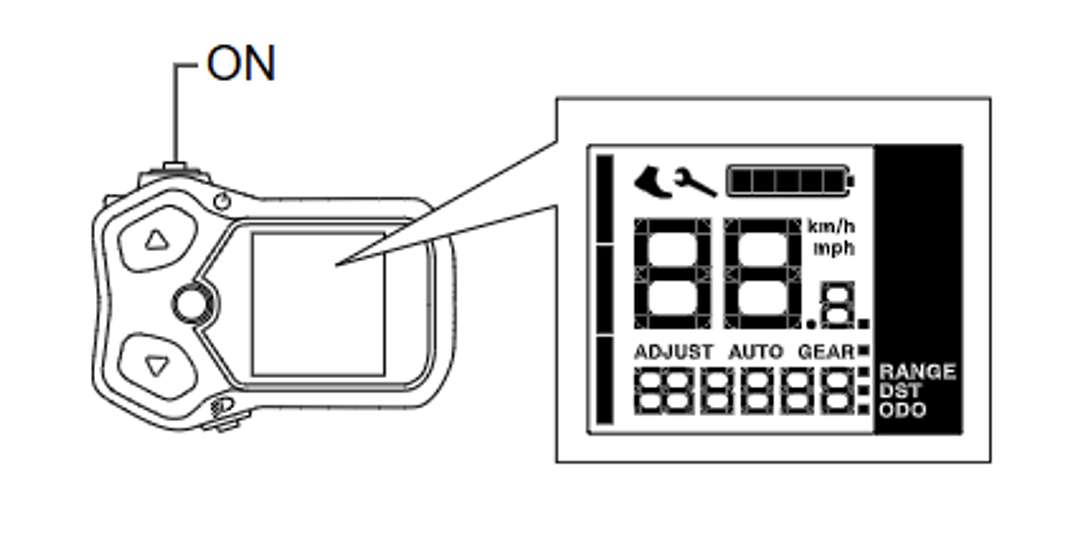
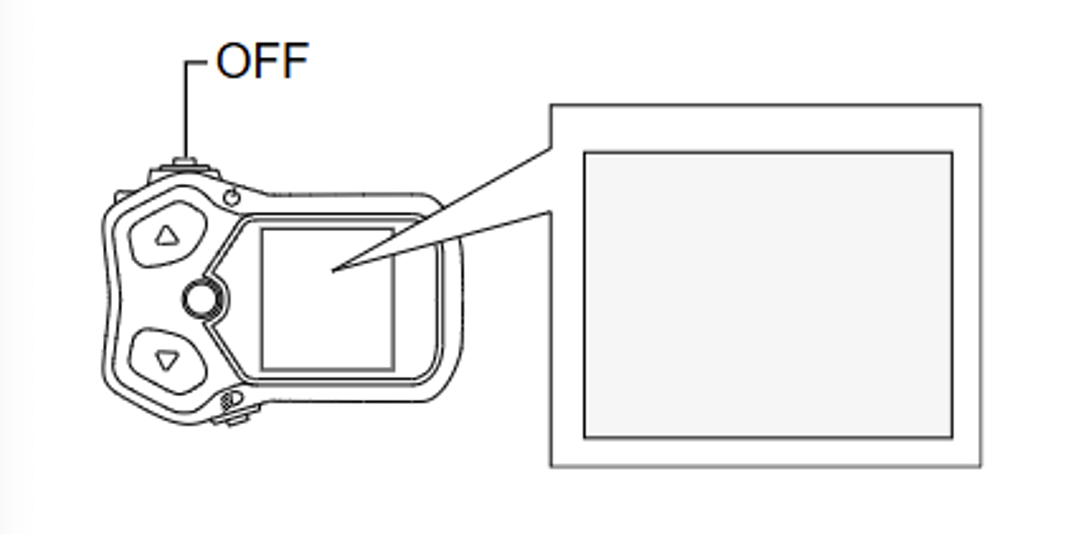
To turn off the bike, press the same button until the screen turns off.
You can change the assistance mode on the screen and the shift switch. The assistance mode will be displayed on the left side of the screen using bars. The higher the number of bars displayed (maximum 3), the more powerful the selected assistance level.
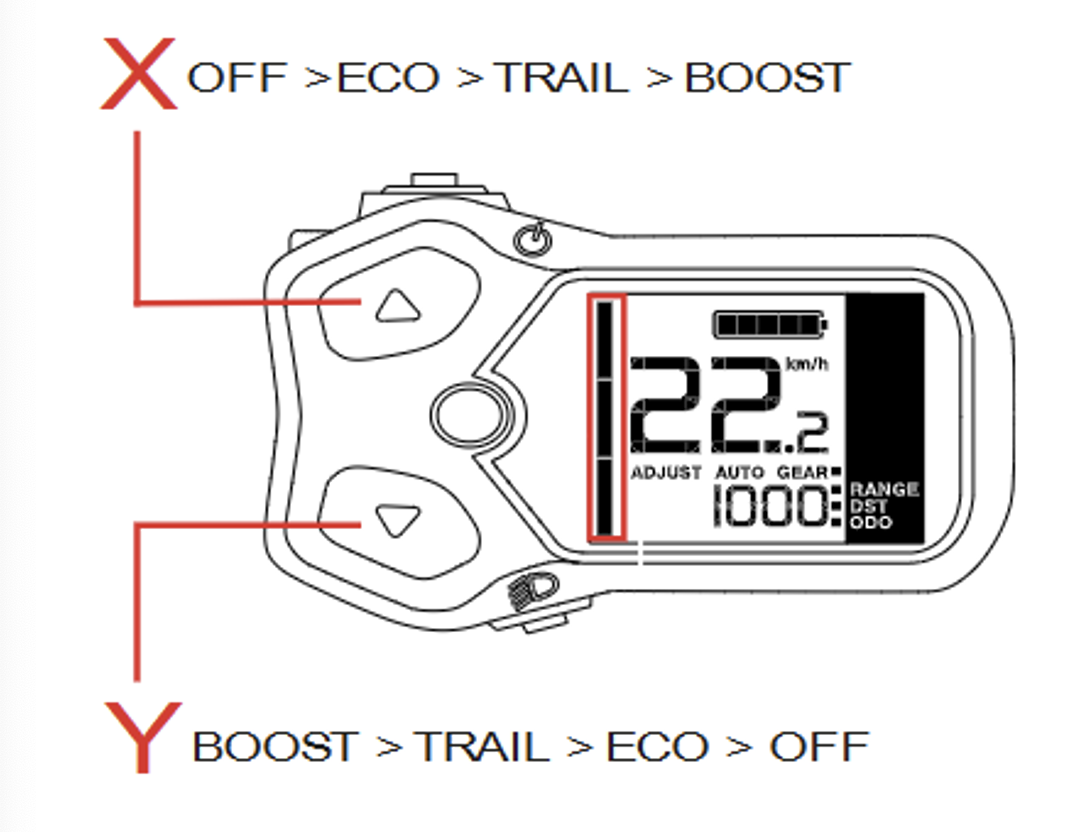
Press the X button to increase the assistance level to the maximum available level (Boost).
Press the Y button to reduce the assistance level to no electric pedaling assistance.
Here are the available assistance modes :
- OFF (no electric pedaling assistance)
- Eco
- trail
- Boost
To change the gears of your Orbea Urrun, use the levers located on the handlebars while pedaling without excessive force.
Transmission usage advice
- Pedal smoothly : Slightly release the pressure on the pedals when changing gears to preserve the chain and sprockets.